The new DMND dashboard is live
We rebuilt the DMND dashboard from scratch. It’s live at new-platform.dmnd.work, and everything from the old platform has moved over.
Everything on one screen
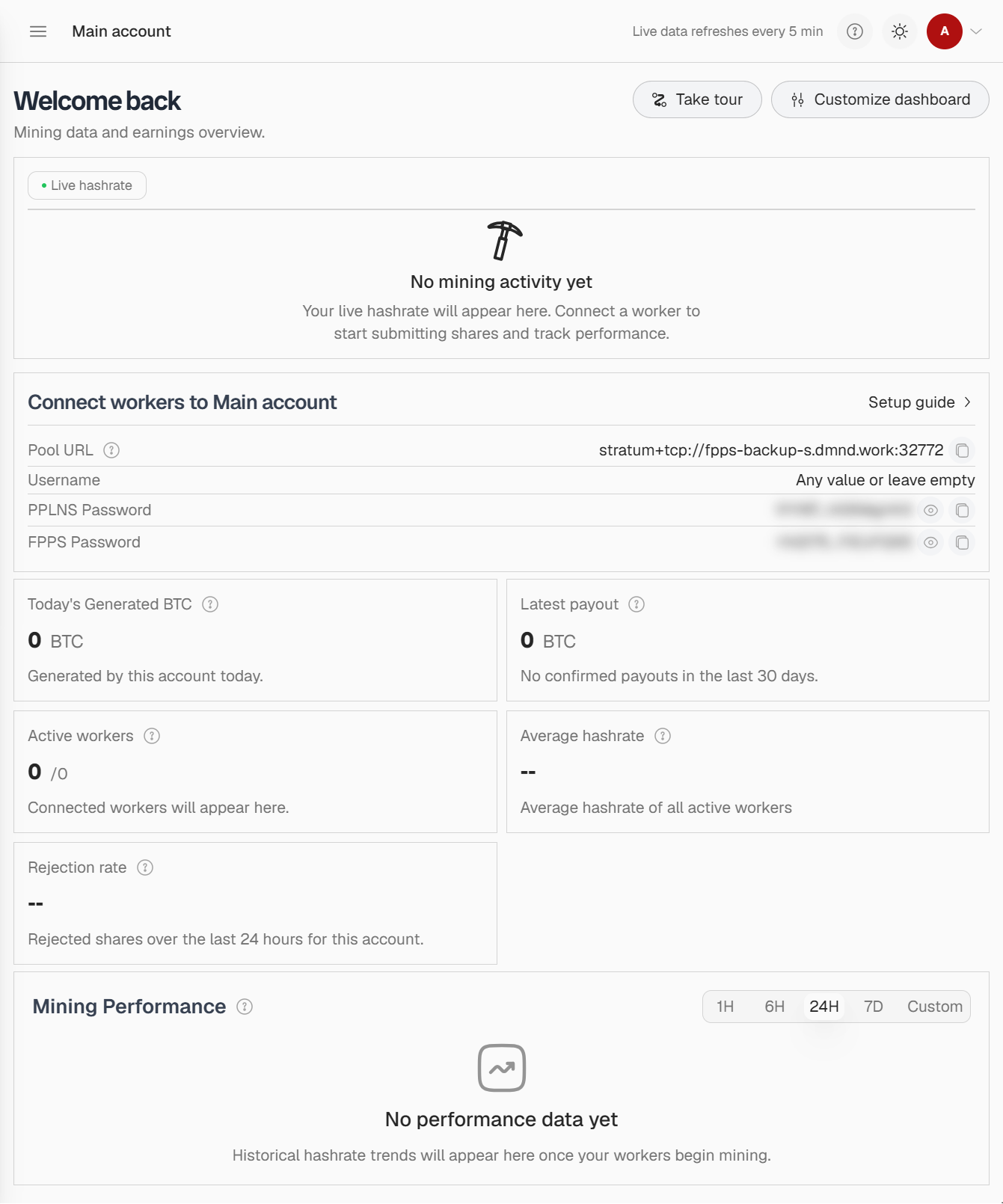
The home page now shows live hashrate, today’s generated BTC, your latest payout, active workers, and your average hashrate and rejection rate over the last 24 hours. Your pool URL and PPLNS and FPPS passwords sit beside them with copy buttons. Use Customize dashboard to put the numbers you care about first.
Set up in three steps
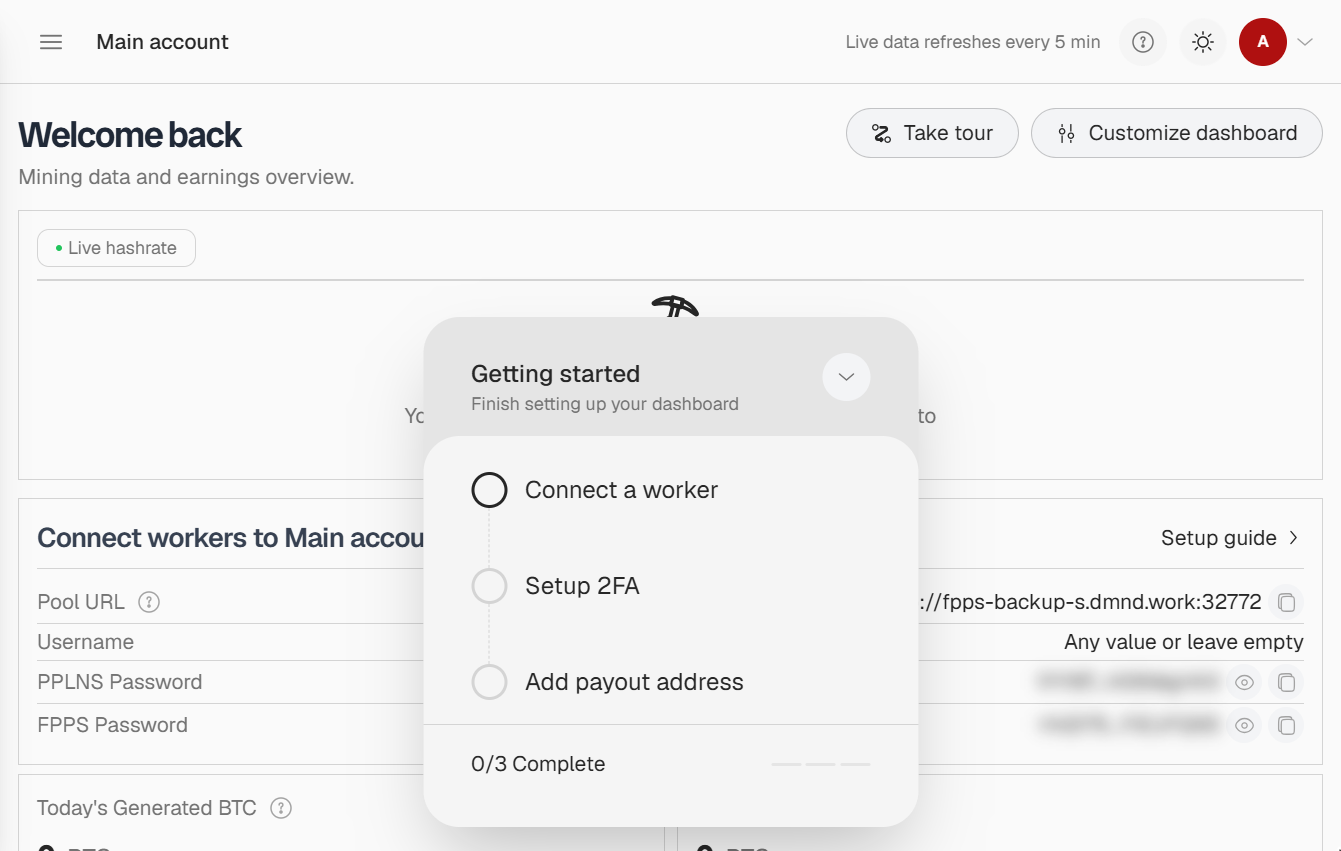
New accounts get a checklist: connect a worker, turn on 2FA, add a payout address. A guided tour and setup guide are there if you want them.
See where your earnings stand
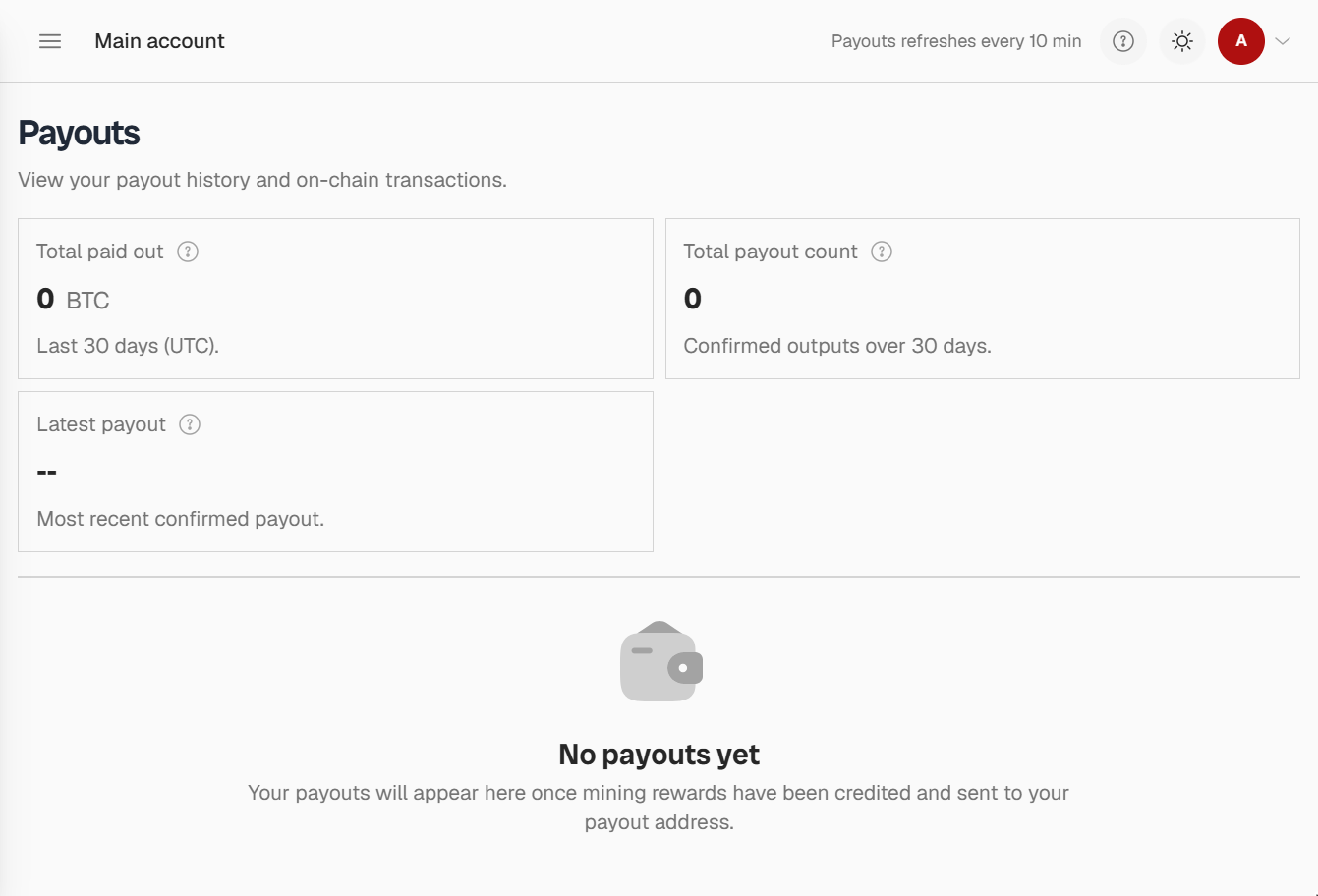
Generated BTC tracks your rewards and shows how close you are to your next payout. Payouts opens with your total for the last 30 days, your payout count and your most recent payout.
Build your own block
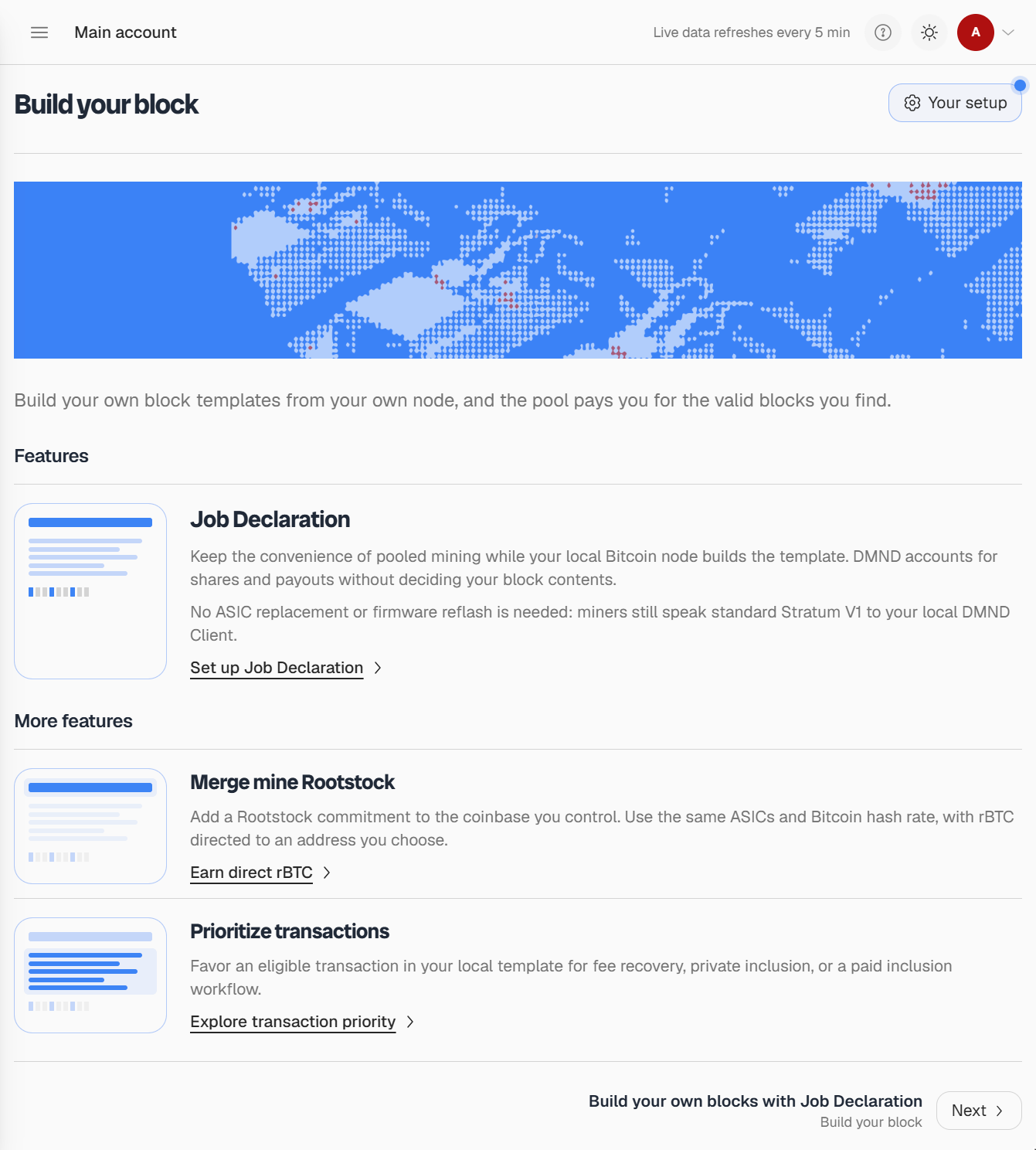
This is the part we’re proudest of. Build your block brings Job Declaration into the dashboard. Your own Bitcoin node builds the block template, and DMND handles shares and payouts without touching what goes into it. No new firmware needed: your ASICs keep speaking Stratum V1 to your local DMND Client. From the same page you can merge mine Rootstock to an rBTC address you choose, or prioritize a transaction in your template.
Share on your terms
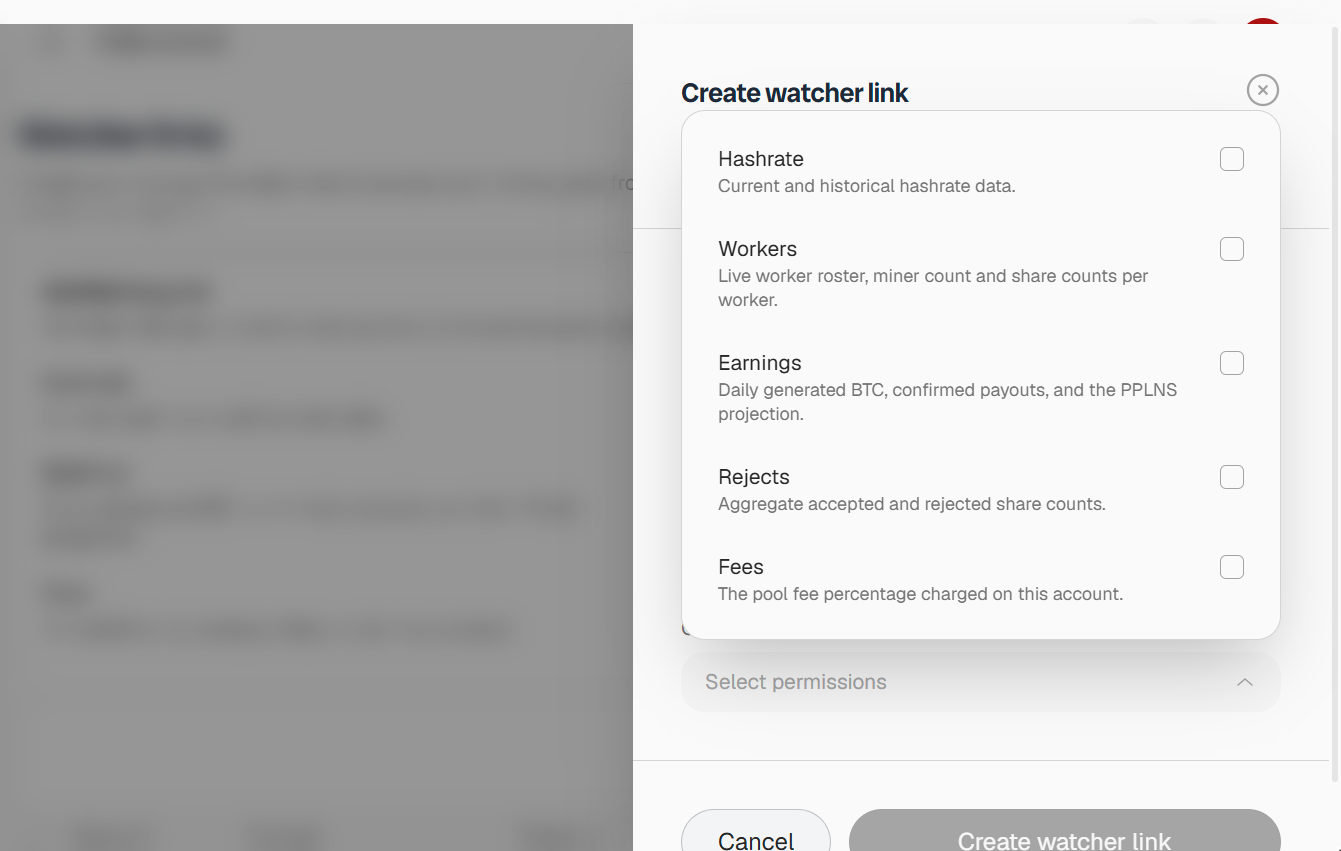
API keys are now watcher links. Hashrate, workers, earnings, rejects and fees can each be shared separately, and every link is view only. Recipients open them from the watcher view on the sign in page. Brokers get their own sign in.
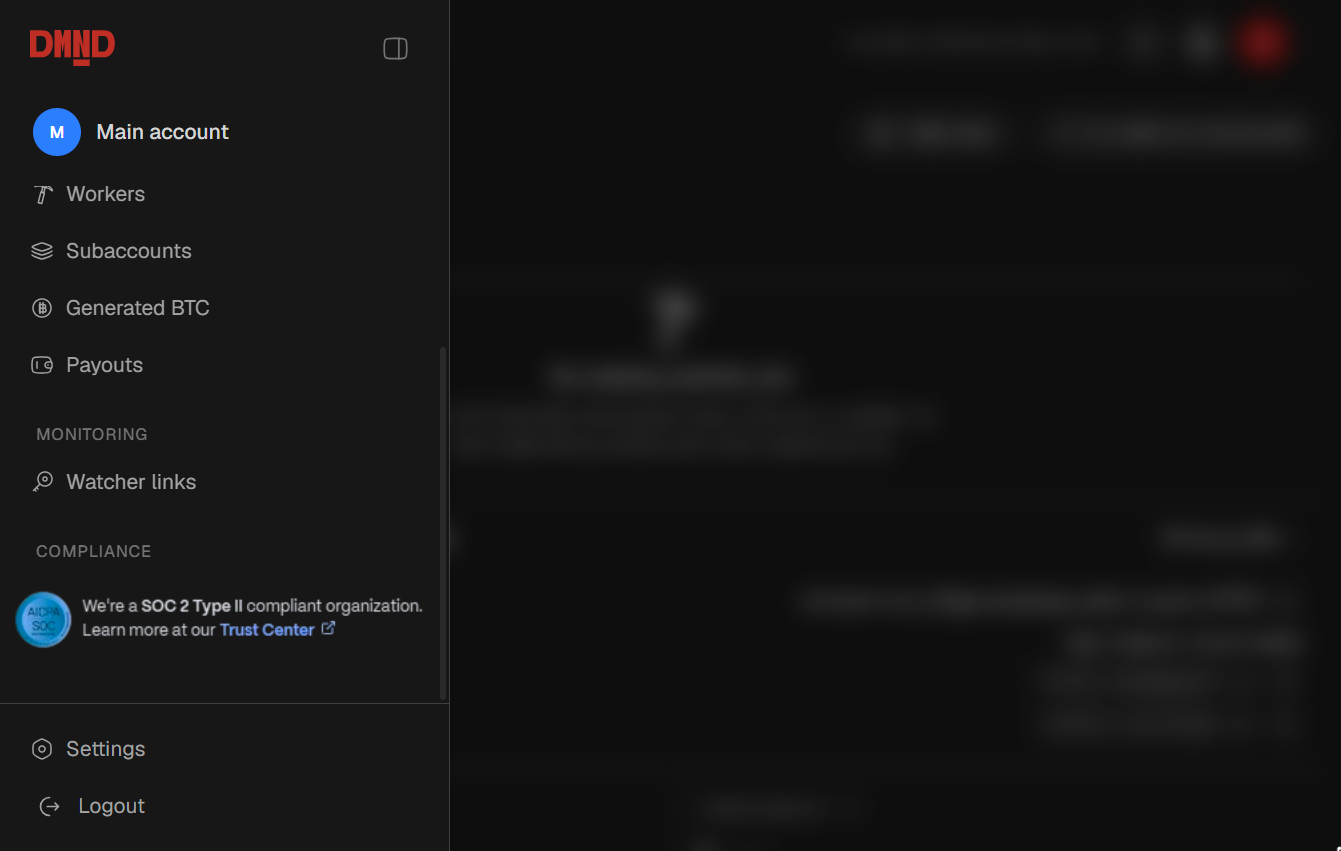
The dashboard also comes in light and dark mode, and the trust center is linked from the navigation.
Sign in at new-platform.dmnd.work and tell us what you think.